Sketch your app.
Get a production app.
Write what you want in plain words. Prod AI draws it in pencil first, then makes it a real app when you say so.
How it works
1. Write it
Say what you want in your own words, the way you'd explain it to a friend.
2. See the sketch
Prod AI draws the screens and the AI helpers in pencil. You see the price before anything is built.
3. Make it real
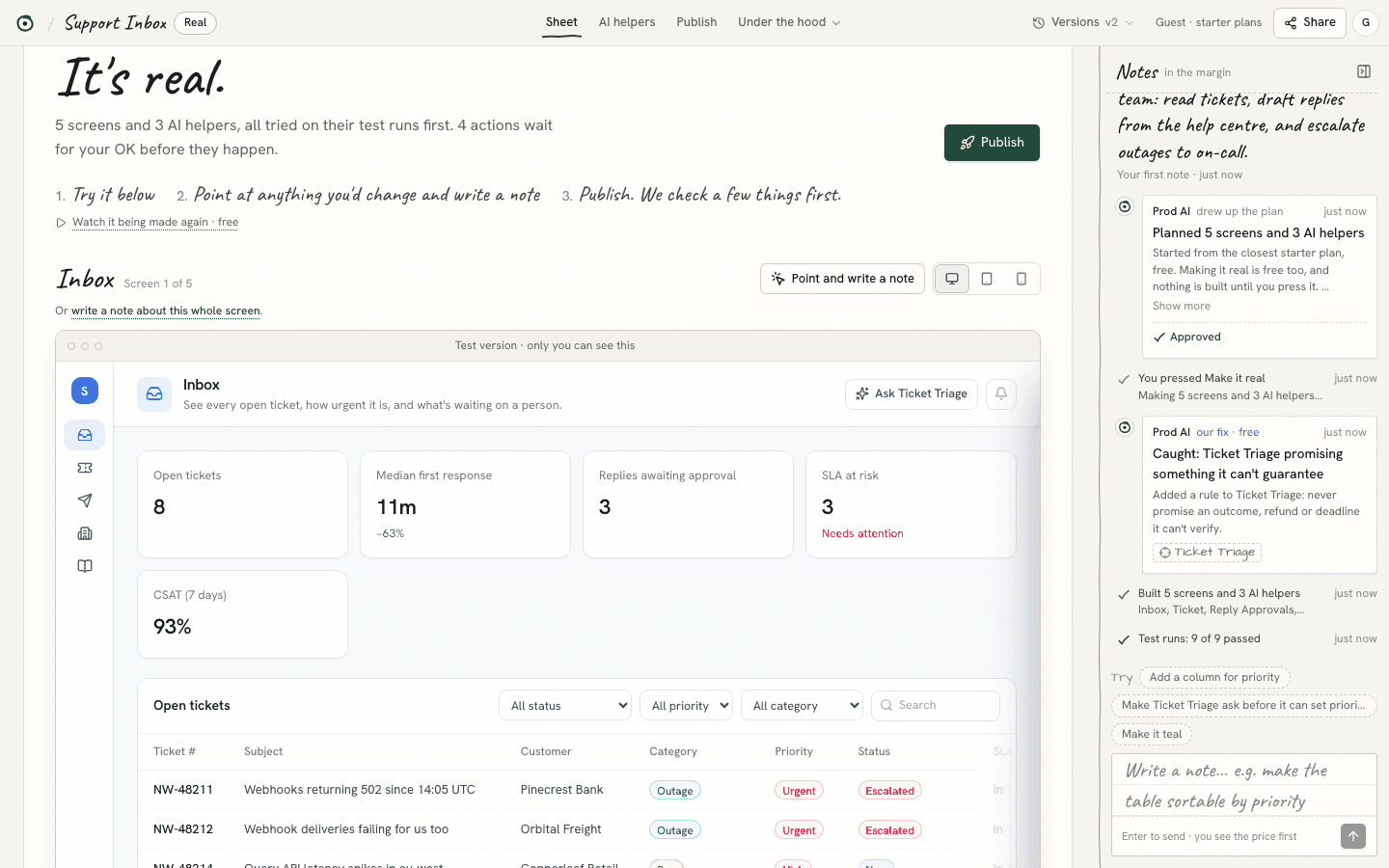
It becomes a real app. Change it with notes in the margin. AI helpers ask before doing anything that can't be undone.
For developers
Under the sketch, it's real code.
The sketch is for everyone on the team. The code is yours: readable, in a framework you already know, and never locked in.
See how it's builtReal code in five agent frameworks
Every AI helper is a set of files you can read, with runtime code for the framework you choose.
- LangGraph
- CrewAI
- OpenAI Agents SDK
- Google ADK
- Mastra
Bring your GitHub repo. It stays untouched.
Prod AI reads it first, writes down what it must never change, and sends every change as a pull request for you to review.
Open the code anywhere
Take it to Cursor, Claude Code or your own editor whenever you want the wheel, and bring it back.
What works today
Works today
- Sign in with Google or an email link, or try it as a guest
- Sign in for 300 free credits a month, and Claude plans your app from your own words. Guests start from the closest starter plan, free.
- Your projects are saved to your account, and only you can see them
- AI helpers you can talk to, which ask before anything that can't be undone
- Published apps keep real records you can undo, with team screens only the people you invite can open
- Bring a public GitHub repo, and get code for five agent frameworks
In test mode for now
- Making it real is an animation for now. Your app is drawn from its plan; the code it writes doesn't run yet.
- Pull requests to GitHub stay in a sandbox, and publishing goes to Prod Cloud only
- Outside services other than email, like payments and Slack, aren't connected yet: nothing is paid or posted